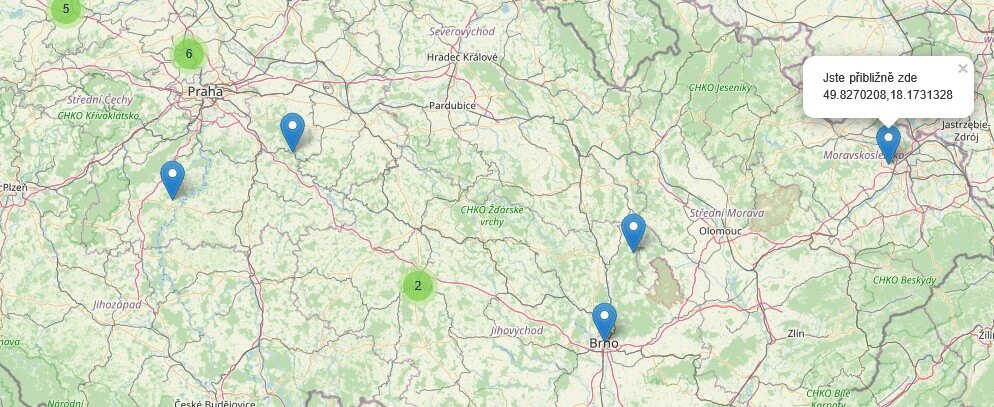
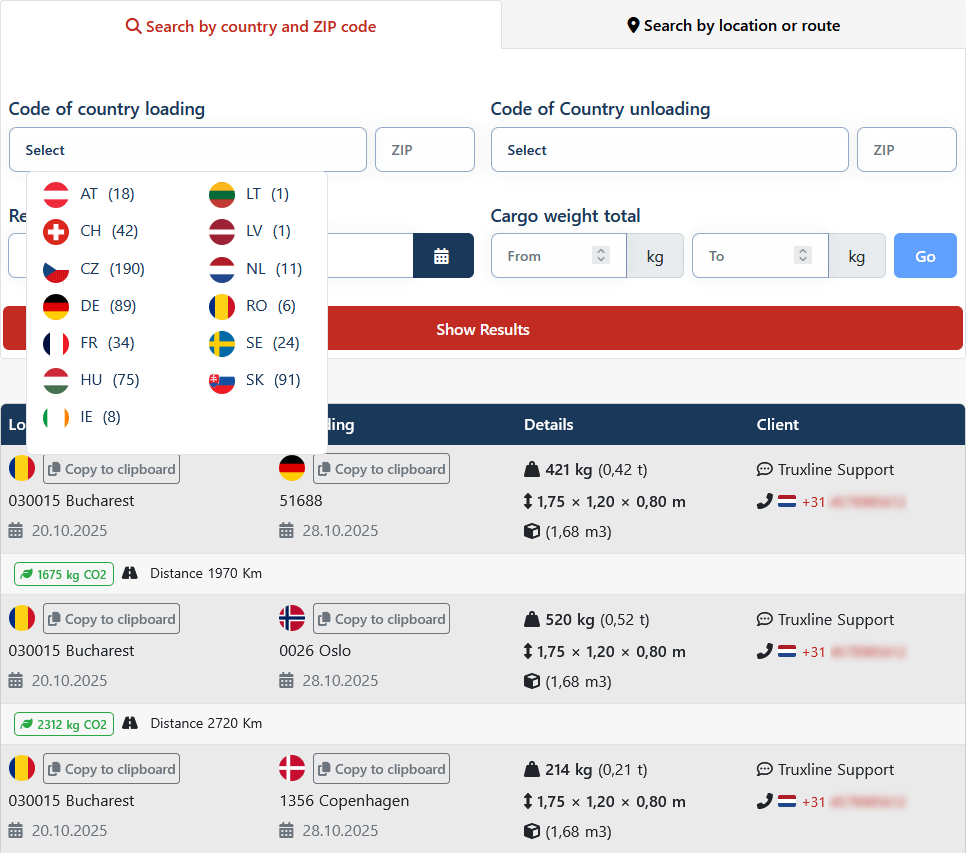
Search by Country and ZIP Code
On Truxline, you can easily find transport orders not only across the Czech Republic but also throughout Europe. Thanks to clear filters and an intuitive interface, you can quickly search for offers by country, ZIP code, weight, type of cargo, or loading time—both on a computer and on mobile. This allows everyone to tailor the search exactly to their needs.
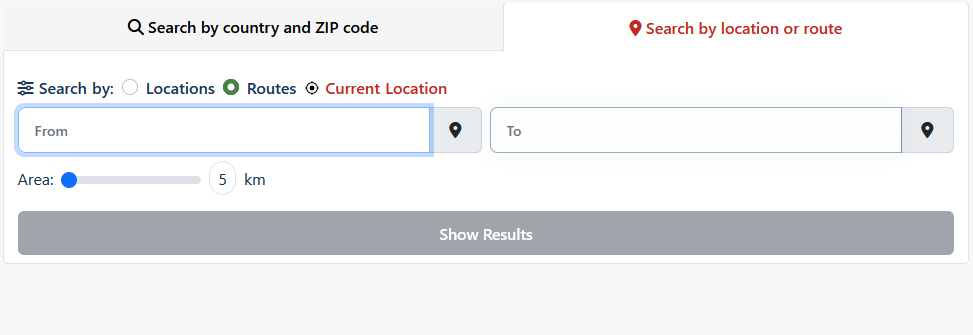
Search by Address, Route, or Location
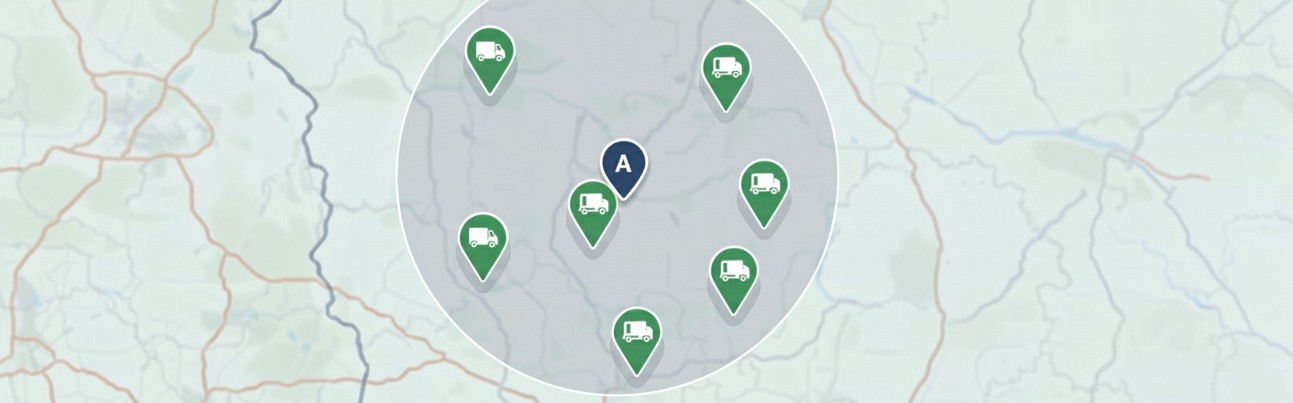
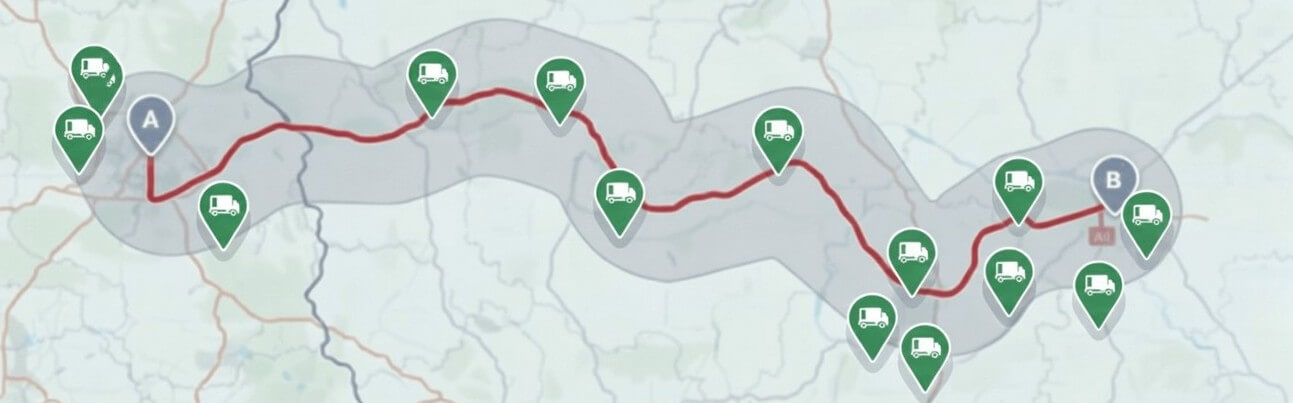
Do you need to find transport offers in a specific area or along a route? Truxline allows you to search for orders based on an exact location—simply enter the loading or unloading point, or set a radius within which you want the offers to appear. Additionally, you can search directly on the map based on the driver’s current location, without needing to install any extra apps.
Search and Navigation
Our logistics platform can connect a route to popular navigation apps, such as Waze, Google Maps, or Apple Maps, with a single click. Drivers immediately receive precise coordinates and don’t have to enter addresses manually—everything is automatic and efficient.
Available Vehicle Offers
Besides searching for orders, you can showcase your available vehicles to other logistics partners on Truxline. This increases fleet utilization and reduces transport costs. Vehicle management is clear and simple—potential partners can quickly contact you and start cooperation directly through the platform.
Summary of Search Options
Truxline offers a comprehensive range of methods for efficient cargo searching:
- Filters: Precise search by country + ZIP code, cargo weight, and loading day.
- Quick Search: Simple and instant search using a ZIP code or a combination of country code and ZIP code in the top search bar.
-
By Location: Search for orders based on a specified loading/unloading point and a set radius.
-
Along a Route: Search for offers near a defined route and within a set radius.
-
Current Location: Search directly on the map based on the driver’s current position.